


Every week there’s a new model. Kling has a sale. Then LTX-2 drops and suddenly that’s the one you need. Normally you’re juggling subscriptions, switching platforms, renting Runpod hours. Praying your GPU doesn’t catch fire.
Weavy just plugs them all in. One platform. All the models. No GPU required. No Runpod bills. Everything works from your browser.
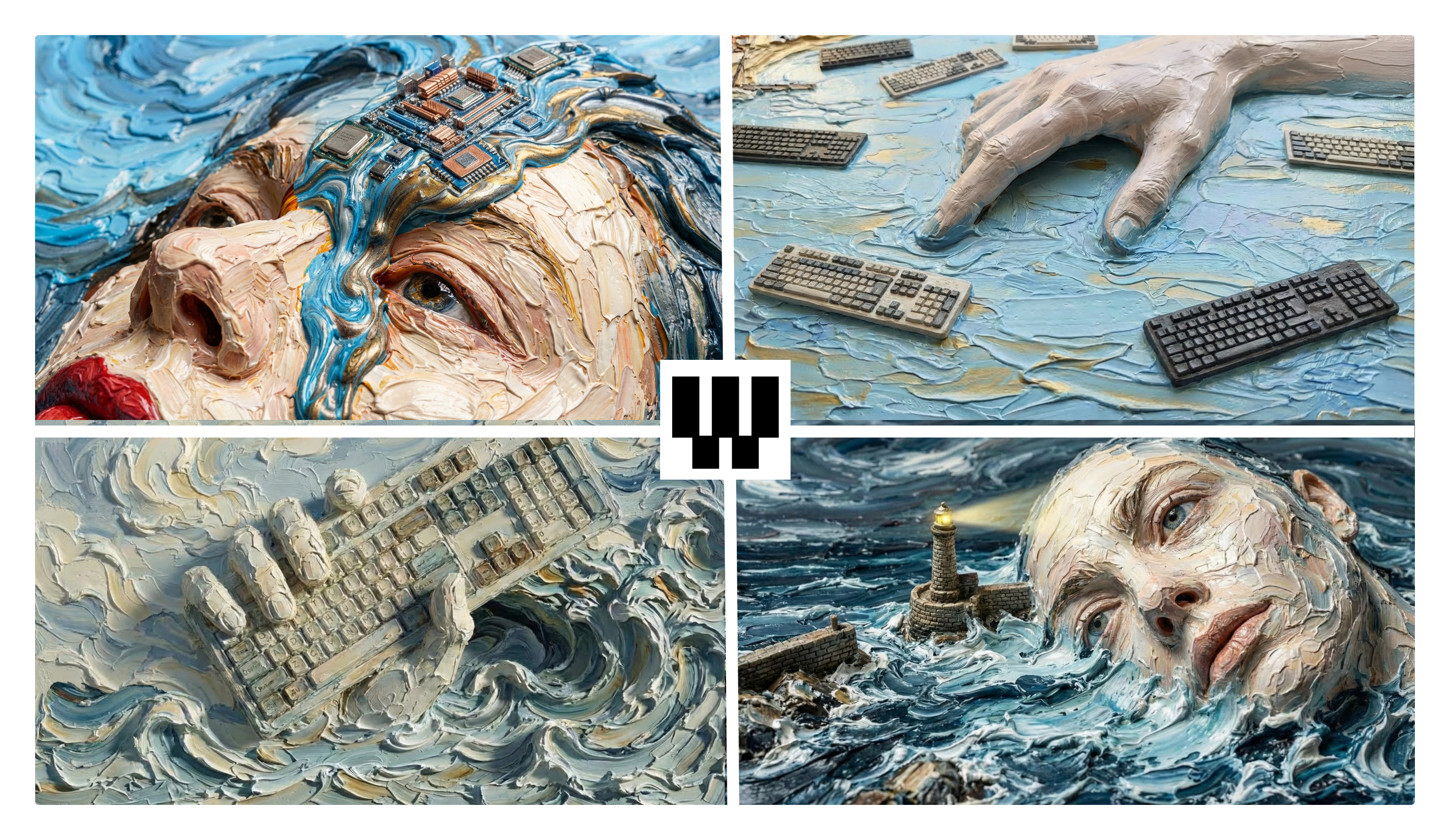
Why Weavy Works For Me
I don’t hate ComfyUI. I love the control. But I’m tired of the setup dance.
Weavy is different. Design-first. Brutal UX. Built by people who understand art direction, not just machine learning engineers sharing their latest discovery.
No model hunting. Everything’s already loaded. Kling, LTX, whatever came out this morning. It’s there.
Production tools built in. 3D rendering, compositing, color grading. Out of the box. No Node Manager hell. No updating, deleting conflicts, memory errors, conflicted dependencies. The tools VFX artists spent hours layering in After Effects are just... there. Ready. That’s the bridge. Old-world production techniques meeting AI speed.
Copy nodes between projects. Built an AI workflow you like? Two clicks, it’s in your next project.
Workflows become shareable apps. Build something complex, simplify the interface, send it to someone. They can use it without learning the whole system.
So I built 4 workflows. Not for clients. For fun. Here’s what they actually do: 👇
🔥 The 5 Workflows I Built (Steal These)
Each one solves something specific I deal with regularly. Links to the projects and assets included.
1️⃣ Visual Hijack 🕵️
What it does: Feed it any image or video. It breaks down the visual concept and generates variations you can remix.
Why it’s fun: Pure creative theft. See something that works aesthetically, understand the mechanics, then vandalize it into something new.
The artistic angle: This is about style transfer and concept extraction. You’re not copying. You’re learning visual language by deconstructing it. Feed it a Rothko, get the color field logic. Feed it a Tarkovsky frame, extract the compositional tension.
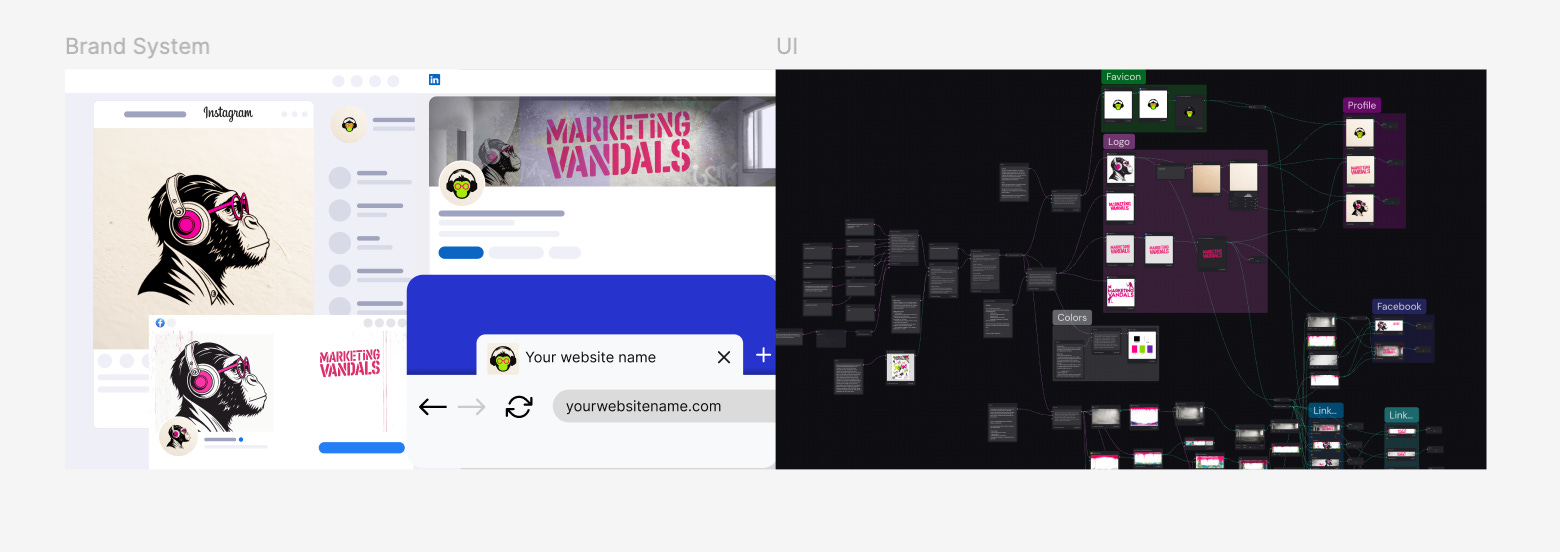
2️⃣ Full Brand Kit 🎨
What it does: Input visual guidelines. One run generates profile pics, banners, headers. All sized right, all cohesive.
Why it’s fun: Endless variation machine. Lock in a core aesthetic, then explore how far you can push it before it breaks. See which colors collapse first. Watch which compositions stay recognizable.
The artistic angle: It’s a constraint game. How much can you vary while maintaining identity? You’re essentially making generative art with brand consistency as the rule set. Break the rules intentionally and see what still reads.
3️⃣ Monkeys in Art: A Brief, Bananas History 🐒
What it does: Animates paintings across completely different art styles and techniques. Then stitches them all together into one film tracking monkeys from classical art to modern AI-generated imagery.
Why it’s fun: For centuries, artists painted monkeys to laugh at humans. It’s satire with fur.
The Weavy workflow is basically a menu of animation techniques. Pick the style, pick the animation method, animate the painting. Then combine everything into a short film that travels through art history.
The artistic angle: Each historical style needs different technical approaches to animate properly. Oil painting movement is different from line art is different from how you’d handle a Frida-style piece. The workflow lets you experiment with all of it, then see how they flow together as one narrative.
4️⃣ The E-com Asset Bombing-Run 💣
What it does: I built this for you. One flat product photo becomes a real-looking scene: better angles, better light, lifestyle frames, and assets you can actually run as ads.
The vibe: I’ve seen the viral “autopilot” setups.
n8n agents scraping the internet, calling Sora-style APIs, pumping out an endless stream. It looks like a machine. But the output looks like a parody.
When I use it: E-commerce clients need volume. 50+ pieces of content for a launch. Flat product shot → 3D renders → lifestyle contexts → UGC-style review videos. What would be multiple photoshoots compressed into an afternoon.
And it’s profitable: Controlled A/B tests show AI provided 36% revenue lift compared to e-commerce websites
5️⃣ Anime Style Lab 🎌
What it does: Style picker loaded with famous manga and anime artists. Pick your style, set up multi-shot sequences, or jump into the Sakuga setup for pure movement experimentation.
Built-in model comparison. Drop your image, generate across Kling, Sora, Veo. Start with 4-5 second clips. Try all three. One nails camera movement. Another handles character consistency. One does speed lines right. Each model has specific strengths.
Why it’s fun: Immediate access to iconic anime styles without hunting for the right prompts or settings. Multi-shot for storytelling. Sakuga mode for fight choreography and dynamic movement testing. See which AI model actually understands fluidity versus which one just makes things wiggle.
The artistic angle: Reverse-engineering decades of anime evolution through artist-specific styles. Test movement physics. Study how different models interpret action. This is the playground for anime lovers who want to experiment without the technical barriers.
The kind of animation that takes decades to master is starting to become accessible. We're watching it happen.
🎯 Who This Is For (And Who Should Skip It)
Weavy makes sense if you:
✅ Want to experiment without setup hell
✅ Like trying new models the day they drop
✅ Need video compositing without dependency nightmares
✅ Value speed over maximum control
✅ Want to share workflows with non-technical friends
Stick with ComfyUI if you:
❌ Need bleeding-edge custom pipelines
❌ Want total parameter control
Different tools. Different moods. Use both.
🎯 Bottom Line
Weavy handles subscription chaos. New model drops? It’s already there. No switching platforms. No rebuilding workflows.
The four workflows are yours to steal. Links include project files.
Not replacing your stack. Just removing the annoying parts.
🤘 Now Let’s Vandalize Together
What’s the most absurd artistic experiment you’ve been putting off because setup seems painful?
Reply and tell me. I’ll pick one and build a workflow for it next week.
Manu
thanks so much for sharing your workflows!!!